How to Organize API Keys Across Multiple Projects?
The safest way to manage multiple API keys across projects is to store each key in a project-specific .env file, never hardcode them, and use a secrets manager for production. This prevents key leakage, accidental cross-project usage, and billing surprises.
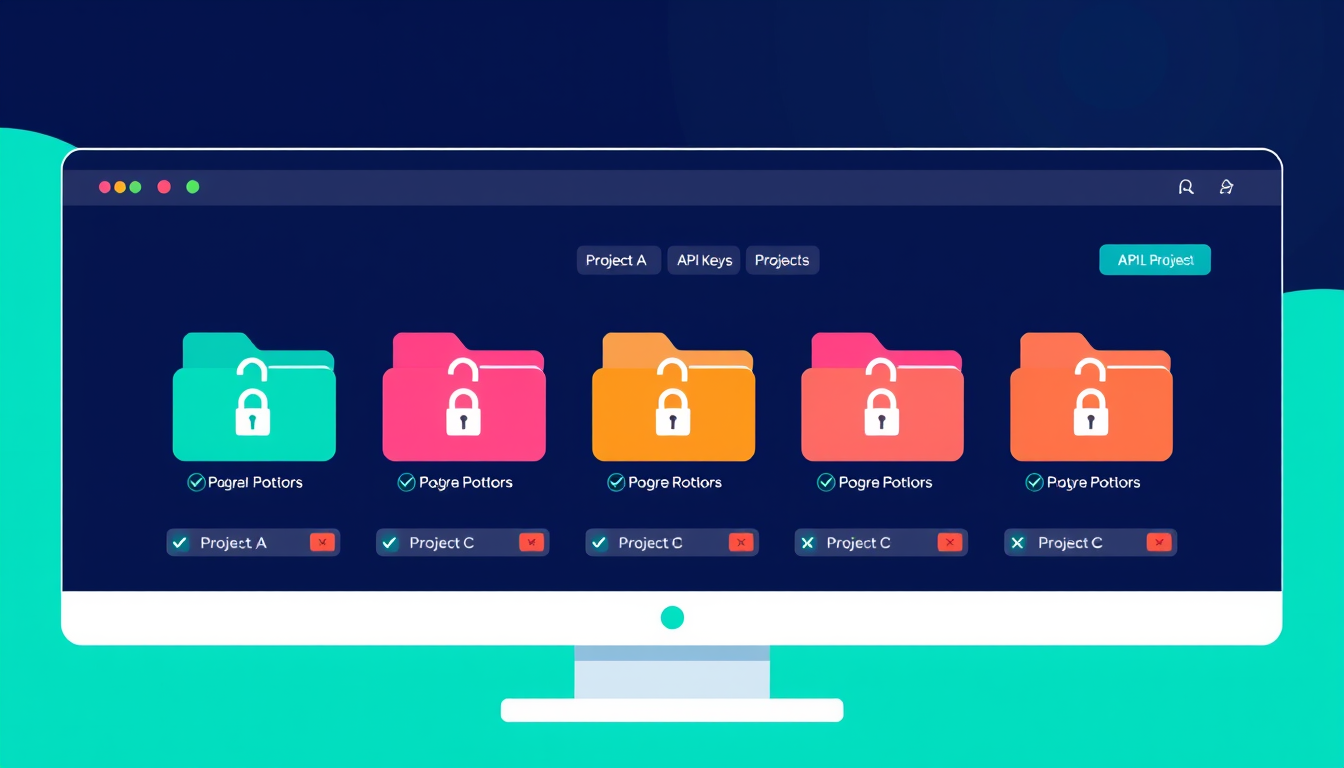
Manage multiple API keys by assigning one .env file per project, using consistent naming conventions like SERVICE_API_KEY, and storing production secrets in a dedicated manager such as AWS Secrets Manager, HashiCorp Vault, or Doppler. This keeps keys isolated, auditable, and easy to rotate without touching your code.
Why Per-Project Key Isolation Prevents Costly Mistakes
Every project you build should treat its API keys as entirely separate credentials — even if two projects call the same service. Sharing a single OpenAI or Stripe key across multiple projects creates three real problems: first, you cannot tell which project consumed your quota or triggered a charge; second, rotating a compromised key breaks every project at once; third, a key leaked in one repo exposes all your projects simultaneously. The solution is strict isolation: one key per project per service. This also maps cleanly to how most API providers work — Stripe, OpenAI, and GitHub all let you generate multiple keys per account, often with scoped permissions. Treat each key like a password: unique, limited in scope, and stored only where it is needed. This discipline costs almost nothing to set up but saves hours of debugging and potential security incidents later.
How to Store and Load Multiple API Keys With .env Files
The standard local development pattern is a .env file at the root of each project. Use a consistent naming convention so keys are self-documenting.
Example .env for a project using OpenAI and Stripe:
OPENAI_API_KEY=sk-proj-abc123 STRIPE_SECRET_KEY=sk_test_xyz789 GITHUB_TOKEN=ghp_def456
Load these in Python using the python-dotenv library:
```python from dotenv import load_dotenv import os
load_dotenv() # reads .env from the current directory
openai_key = os.getenv('OPENAI_API_KEY') stripe_key = os.getenv('STRIPE_SECRET_KEY') ```
Always add .env to your .gitignore immediately when you create a project. Commit a .env.example file instead, listing variable names with empty or dummy values, so teammates know which keys to configure. For multiple environments, use separate files: .env.development, .env.staging, .env.production. Tools like direnv can auto-load the right file when you cd into a project directory, making context-switching between projects seamless.
Best Practices for Production: Secrets Managers and Key Rotation
For production deployments, .env files are not sufficient — they can be accidentally committed, exposed in logs, or left on servers. Use a dedicated secrets manager instead. Three practical options:
1. Doppler — syncs secrets to your app at runtime, supports per-environment configs, and works with most CI/CD pipelines with minimal setup. 2. AWS Secrets Manager — native to AWS infrastructure; retrieves keys programmatically at runtime. 3. GitHub Actions Secrets — for CI/CD pipelines, store keys as encrypted repository secrets and reference them as environment variables in your workflow YAML.
Example GitHub Actions reference:
```yaml env: OPENAI_API_KEY: ${{ secrets.OPENAI_API_KEY }} ```
Beyond storage, build a rotation habit: set calendar reminders to rotate keys every 90 days, or immediately after any team member leaves. Label keys clearly in your provider's dashboard — for example, 'project-checkout-prod' instead of 'Key 1' — so you can revoke the right key instantly during an incident. Most providers like OpenAI and Stripe show last-used timestamps, which help you identify stale keys worth deleting.
Key Takeaways
- Use one .env file per project and add it to .gitignore before writing a single line of code.
- Name your keys descriptively — STRIPE_SECRET_KEY beats KEY1 — so you instantly know what each variable does.
- Commit a .env.example file with empty values so collaborators know which keys to configure without exposing real credentials.
- Use a secrets manager like Doppler or AWS Secrets Manager for production environments instead of file-based storage.
- Rotate all API keys on a 90-day schedule and immediately revoke any key that may have been exposed.
FAQ
Q: Should I use the same API key for development and production?
A: No — always use separate keys for each environment. Most providers like Stripe explicitly offer test-mode keys for development, and using separate keys means a compromised dev key never affects live traffic or billing.
Q: How do I manage API keys on a team without sharing them in Slack or email?
A: Use a shared secrets manager like Doppler or 1Password Teams, which lets each developer pull the latest keys securely without anyone copy-pasting credentials into chat. This also gives you an audit trail of who accessed which key.
Q: What if I accidentally committed an API key to a public GitHub repo?
A: Revoke the key immediately in your API provider's dashboard — assume it was already scraped by automated bots within minutes of the push. Then use git filter-repo or BFG Repo Cleaner to remove it from your commit history, and generate a fresh key.
Conclusion
Managing multiple API keys is fundamentally about isolation and visibility: one key per project per service, stored in .env files locally and a secrets manager in production, with clear names that tell you exactly where each key belongs. Start by auditing your current projects — if any share a key or store credentials in source code, fix that first. That single habit change eliminates the majority of API key security incidents before they happen.
Related Posts
- What Are API Keys and How Do You Use Them in 2026?
API keys let your application prove its identity when calling an external service. This guide walks you from zero knowledge to advanced best practices — with real code examples, security tips, and FAQs — so you can integrate any API confidently in 2026. - How to Build AI Apps With Claude API Keys?
With an Anthropic Claude API key, you can integrate one of the most capable large language models directly into your own apps, scripts, or workflows. From AI chatbots to document summarizers and coding assistants, the Claude API gives developers programmatic access to Claude's reasoning and language - What's the Best Way to Store API Keys?
API keys leak most often through public Git repositories or hardcoded source files. The fix is straightforward: store keys in environment variables, add .env to your .gitignore, and rotate any key you suspect has been exposed.