What Can Beginners Build With Vibe Coding?
As a beginner using vibe coding, you can realistically build personal tools, simple web apps, and automation scripts — all without memorizing syntax. The key is starting small, describing what you want clearly, and letting AI handle the heavy lifting while you stay in the driver's seat.
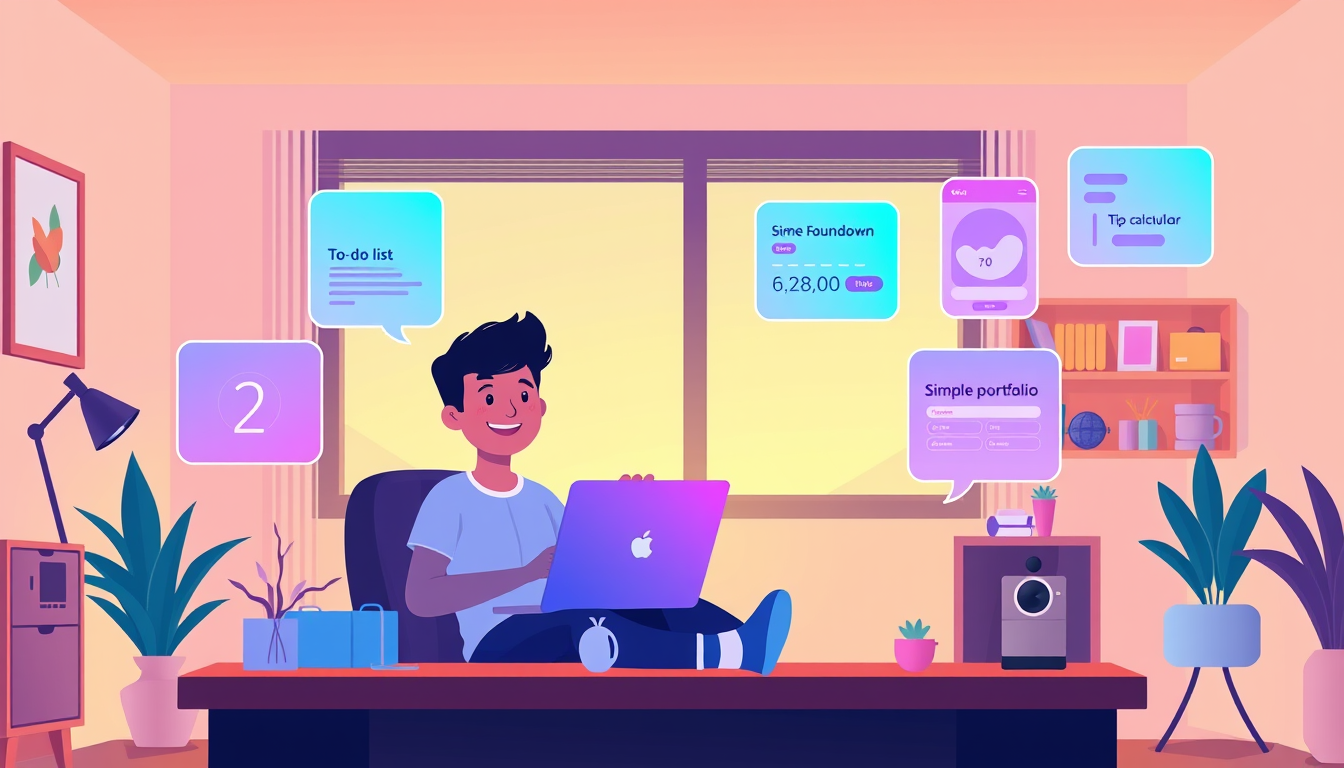
As a complete beginner using vibe coding — where you describe what you want in plain English and AI writes the code — you can realistically build things like personal productivity tools, simple websites, fun games, and useful calculators within your first week. You don't need to know how to code; you need to know how to describe what you want clearly and specifically.
What Vibe Coding Actually Lets You Build (The LEGO Analogy)
Think of vibe coding like ordering custom LEGO sets with your words. You describe the finished castle — the towers, the drawbridge, the colors — and the AI assembles the bricks for you. You're the architect; AI is the builder. This means what you can build is directly tied to how clearly you can describe it, not how much code you know.
Here are 10 realistic projects beginners build in their first month:
1. **Tip calculator** — Enter a bill, get the tip amount. Super simple, super satisfying. 2. **Birthday countdown app** — Enter a date, see how many days away it is. 3. **Personal portfolio website** — A page showing your name, photo, and interests. 4. **Daily habit tracker** — Check off habits each day and see your streak. 5. **Quiz or trivia game** — Pick a topic you love, AI writes the questions and logic. 6. **Recipe idea generator** — Type in ingredients you have, get meal suggestions. 7. **Budget tracker** — Log income and expenses, see a running total. 8. **Random motivational quote app** — Click a button, get a new quote. 9. **Simple to-do list** — Add, complete, and delete tasks. 10. **Color palette generator** — Generate random color combos for design fun.
Every single one of these is achievable in an afternoon with tools like ChatGPT, Claude, or Cursor. That's the magic — and yes, you can do this.
Step-by-Step: Build Your First Real Project Today
Let's build a **tip calculator** right now using vibe coding. This is your first win, and it's closer than you think.
**Step 1:** Open ChatGPT (chat.openai.com) or Claude (claude.ai) — free accounts work fine.
**Step 2:** Type this exact prompt: *'Build me a simple tip calculator web app. The user enters a bill total and selects a tip percentage (10%, 15%, 20%), and it shows the tip amount and total bill. Make it look clean and modern. Give me the full HTML, CSS, and JavaScript in one file.'*
**Step 3:** Copy everything the AI gives you. Open Notepad (Windows) or TextEdit (Mac), paste it in, and save the file as `tip-calculator.html`.
**Step 4:** Double-click that file. It opens in your browser. **You just built an app.** 🎉
**Step 5:** Don't love the color? Go back and say: *'Change the button color to coral and make the font bigger.'* The AI updates it. This back-and-forth is the vibe coding loop — describe, generate, tweak, repeat.
This whole process takes under 15 minutes. The tip calculator works, it's yours, and you built it without writing a single line of code from scratch. That's real.
Common Beginner Mistakes (And How to Recover Fast)
Beginners often hit three walls early on. Here's how to climb over each one.
**Mistake 1: Prompts that are too vague.** Saying *'make me an app'* gives you a confused AI and a useless result. Fix it by adding details: what it does, who uses it, what it looks like. The more specific, the better the output.
**Mistake 2: Trying to build something too big, too fast.** If your first project is *'build me an app like Instagram,'* you'll get overwhelmed and quit. Start with one feature. Get it working. Then add the next. Think in tiny steps — a single button before an entire dashboard.
**Mistake 3: Giving up when something breaks.** Code breaks. This is completely normal — even for senior developers. When something doesn't work, copy the error message you see (the red text on screen) and paste it back to the AI with: *'This error appeared. What's wrong and how do I fix it?'* The AI almost always knows. Breaking things is just part of the process, not a sign you're failing.
The honest truth: every beginner hits these moments. The ones who succeed are simply the ones who ask one more question instead of closing the tab.
Key Takeaways
- You don't need coding knowledge to build real, working apps — you need clear descriptions of what you want.
- Tip calculators, habit trackers, quiz games, and portfolio websites are all realistic first-week vibe coding projects.
- Starting small (one feature, one page) is the fastest path to your first working build.
- Copying error messages back into the AI is the most important recovery skill a beginner can learn.
- The vibe coding loop — describe, generate, tweak, repeat — is how every project gets built and improved.
FAQ
Q: Do I need to pay for any tools to start vibe coding as a beginner?
A: No — free tiers of ChatGPT and Claude are enough to build your first several projects. You only need paid plans when you're doing heavy, professional-level work.
Q: Can I actually share or publish what I build with vibe coding?
A: Absolutely — tools like Netlify Drop (netlify.com/drop) let you publish an HTML file as a real website in under two minutes, completely free. You can share the link with anyone.
Q: What if I want to build something more complex, like a mobile app?
A: That's totally achievable, but treat it as a Month 2 or Month 3 goal after you've built 3–5 simple projects first. Tools like Replit or Lovable.dev make it easier once you have the basics down.
Conclusion
Vibe coding is genuinely one of the most beginner-friendly paths into building real, working software that exists right now — and the projects you can create are far more impressive than most people expect from someone with zero experience. The tip calculator, the habit tracker, the quiz game: these aren't baby steps, they're real apps that real people use. Your single most important next step? Open ChatGPT right now, paste in that tip calculator prompt from Section 2, and have a working app in your browser before this tab closes.
Related Posts
- Why Do Beginners Fail at Vibe Coding?
The biggest mistakes beginners make when vibe coding with AI are writing vague prompts, accepting AI output without testing it, and trying to build too much too fast. Knowing these traps before you hit them can save you hours of frustration and keep the fun alive. - How Do Beginners Use Vibe Coding With AI?
Vibe coding is the practice of building real, working software by simply describing what you want to an AI in plain English. You don't need to memorize syntax or take a course first — you just need an idea and a willingness to experiment. It's the most beginner-friendly entry point into coding that - What Is Vibe Coding? A Complete Beginner's Guide
Vibe coding is a new way to build software by talking to AI in everyday language instead of writing traditional code. You don't need any programming experience to start. This guide walks you from zero to your first working project in minutes.