Why Are Cursor, Claude & Codex Converging Now?
Cursor, Claude Code, and Codex are quietly merging into a unified AI coding stack nobody officially planned — and it's the best news beginners have ever gotten. You no longer need to master one tool before touching another; they're starting to work as one team. Here's what's happening and how to rid
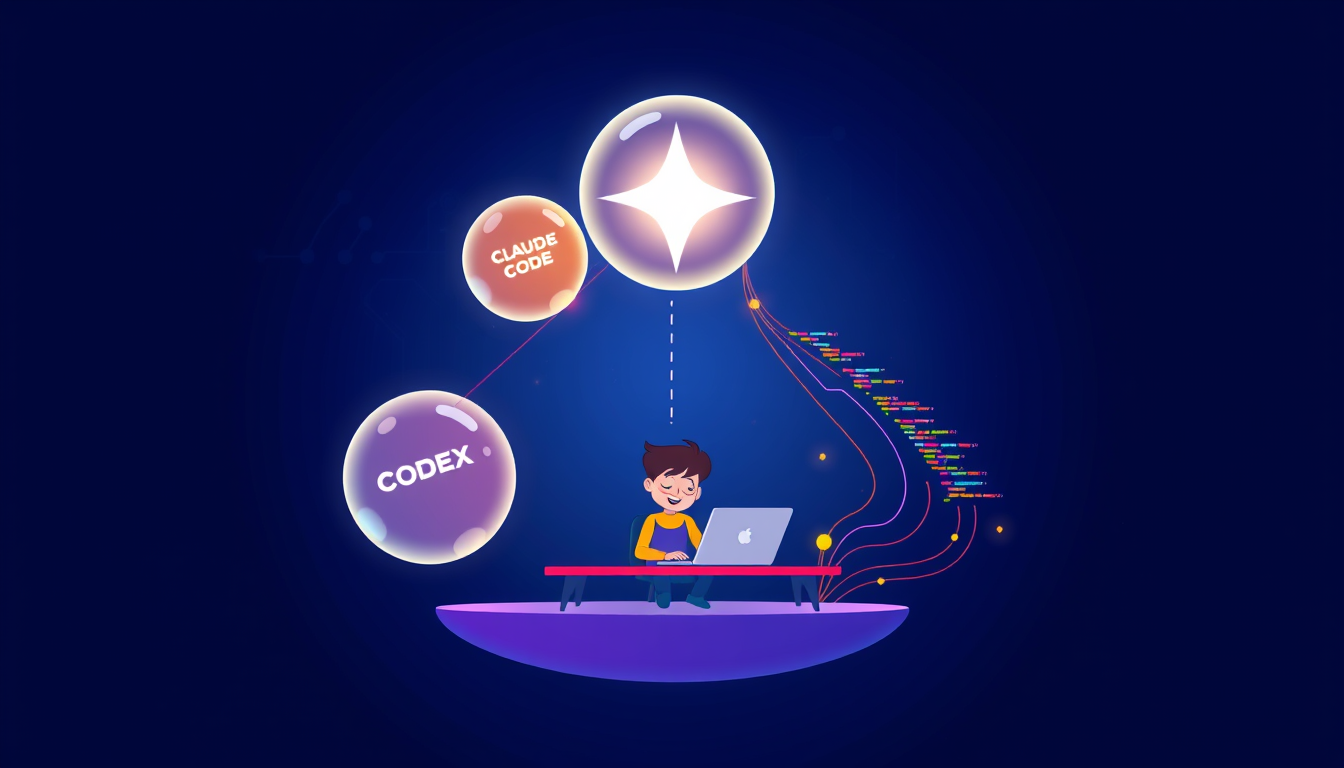
Cursor, Claude Code, and Codex are organically converging into one interconnected AI coding stack — meaning beginners can now use these tools together like a dream team rather than picking just one. This unplanned merger makes building real apps faster and more accessible than ever, even if you've never written a line of code. The practical takeaway: start with any one of these tools today, because they're all heading to the same destination.
What Does 'AI Coding Tools Merging' Actually Mean for Beginners?
Think of it like this: imagine Cursor, Claude Code, and Codex as three specialist chefs in the same kitchen. One is brilliant at planning the menu (Codex), one is incredible at actually cooking the dishes (Claude Code), and one manages the whole kitchen workflow so nothing burns (Cursor). Nobody wrote a rulebook saying they had to work together — but as reported by The New Stack, they're naturally converging into one fluid cooking operation. In coding terms: Cursor is your smart code editor (like Microsoft Word, but for code), Claude Code is Anthropic's AI assistant that writes and explains code inside your terminal (your command center), and Codex is OpenAI's model powering code suggestions under the hood. They're increasingly sharing the same workflows, the same file systems, and even complementing each other's weaknesses. For you as a beginner, this is thrilling — it means less confusion about 'which tool do I use?' and more time actually building. Right now, try this: go to cursor.com and sign up for a free account. You just stepped into this converging stack. That's your first win — celebrate it!
Step-by-Step: How to Start Building with the AI Coding Stack Today
Here's a beginner-friendly walkthrough you can follow right now, no experience needed:
1. Download Cursor (free at cursor.com) — it's a code editor that has Claude and Codex-style AI built right in. 2. Open Cursor and press Cmd+K (Mac) or Ctrl+K (Windows) — this opens the AI chat panel. Think of it as texting a brilliant coder friend. 3. Type in plain English: 'Create a simple webpage that says Hello World in big blue letters.' Watch the AI write the code FOR you. 4. Press the green 'Apply' button — Cursor drops the code directly into your file. You just built your first webpage! 5. Want Claude Code specifically? Visit claude.ai and describe what app you want to build. Claude will generate code you can copy straight into Cursor.
This is exactly the merged stack in action — Claude handling the thinking, Cursor handling the editing environment, all working together. At the HumanX conference in San Francisco, industry leaders confirmed that agentic AI (AI that takes multi-step actions on your behalf) is the future of development. You're not behind — you're arriving at exactly the right moment. Keep going!
Common Mistakes Beginners Make with AI Coding Tools (and How to Fix Them Fast)
Even with brilliant AI tools, beginners stumble in predictable ways — and that's completely okay. Here's what to watch for:
Mistake 1: Asking vague questions. Typing 'make an app' gives the AI nothing to work with. Fix it: be specific — 'Make a to-do list app with a text input box and a button that adds items to a list.' Specificity is your superpower.
Mistake 2: Trusting output blindly. Anthropic has faced user feedback about occasional Claude performance dips, and no AI is perfect 100% of the time. Fix it: always read what the AI writes, even if you don't fully understand it yet. Ask the AI to explain any part that looks strange.
Mistake 3: Switching tools every time something goes wrong. It's tempting to blame Cursor and jump to Claude Code, then blame that and jump to Codex. Fix it: stick with one tool for at least a week. The converging stack means consistency pays off — each tool learns your project context better over time.
Mistake 4: Giving up after one error. Errors (called 'bugs') are normal — even for senior developers. Fix it: copy the error message and paste it directly into the AI chat. Nine times out of ten, it fixes itself instantly. You've got this!
Key Takeaways
- Cursor, Claude Code, and Codex are naturally converging into one AI coding stack — meaning beginners benefit from their combined power without needing to master each separately.
- You can start building real apps today using just Cursor's free plan, which already has Claude and Codex-style AI baked in.
- Specificity is everything — the more clearly you describe what you want to build, the better and faster the AI delivers working code.
- AI tools aren't perfect all the time (even Claude faces occasional performance feedback), so always ask the AI to explain code you don't understand rather than blindly trusting it.
- The unplanned merger of these tools is actually the biggest beginner advantage in coding history — the barrier to building real apps has never been lower than right now.
FAQ
Q: Do I need to pay for Cursor, Claude Code, and Codex separately to use this merged AI stack?
A: No — Cursor offers a generous free tier that already incorporates Claude and Codex-powered suggestions in one editor, so you can experience the converging stack without spending a dollar. As your projects grow, paid plans unlock higher usage limits, but starting free is completely viable.
Q: Is Claude Code safe for beginners to use even with the reported performance concerns?
A: Yes, absolutely — the performance feedback Anthropic received relates to subtle quality nuances that experienced developers notice, not crashes or dangerous output. For beginners building their first apps, Claude Code remains one of the most beginner-friendly AI coding assistants available today.
Q: What if I start with Cursor and later want to switch to Claude Code or Codex — will I lose my work?
A: Not at all — because these tools work with standard code files (like .html, .js, or .py files), your work is always portable between them. This is actually one of the beautiful side effects of the converging stack: your code belongs to you, not to any single tool.
Conclusion
The unplanned convergence of Cursor, Claude Code, and Codex into one AI coding stack is genuinely the most exciting moment in beginner-friendly development history — walls that used to take years to climb are dissolving in real time. You don't need to wait for the perfect tool or the perfect moment; the stack is already here, already powerful, and already rooting for you. Your single most important next step: open cursor.com right now, create a free account, and type your very first request to the AI — describe the simplest app you've ever dreamed of building, and watch it start to become real.
Related Posts
- How Do You Use Claude Code to Build Your First App?
You can build a real app with Claude Code even if you've never written a line of code. Just install it, describe your idea in plain English, and let Claude write, fix, and run the code for you. This guide walks you through every step. - How Does Claude Code Build Apps Without Coding?
Claude Code is Anthropic's AI coding agent that lives inside your terminal and writes, edits, and runs code for you. You describe what you want to build in plain English, and Claude does the heavy lifting. Even with zero coding experience, you can have a working app in under an hour. - How to Build AI Apps With Claude API Keys?
With an Anthropic Claude API key, you can integrate one of the most capable large language models directly into your own apps, scripts, or workflows. From AI chatbots to document summarizers and coding assistants, the Claude API gives developers programmatic access to Claude's reasoning and language