What Causes API Rate Limit Errors & How to Fix Them?
When you exceed your API rate limits, the server stops processing your requests and returns a 429 'Too Many Requests' error. Your app may break or degrade until the limit resets. Knowing how to detect and handle this gracefully is essential for any production integration.
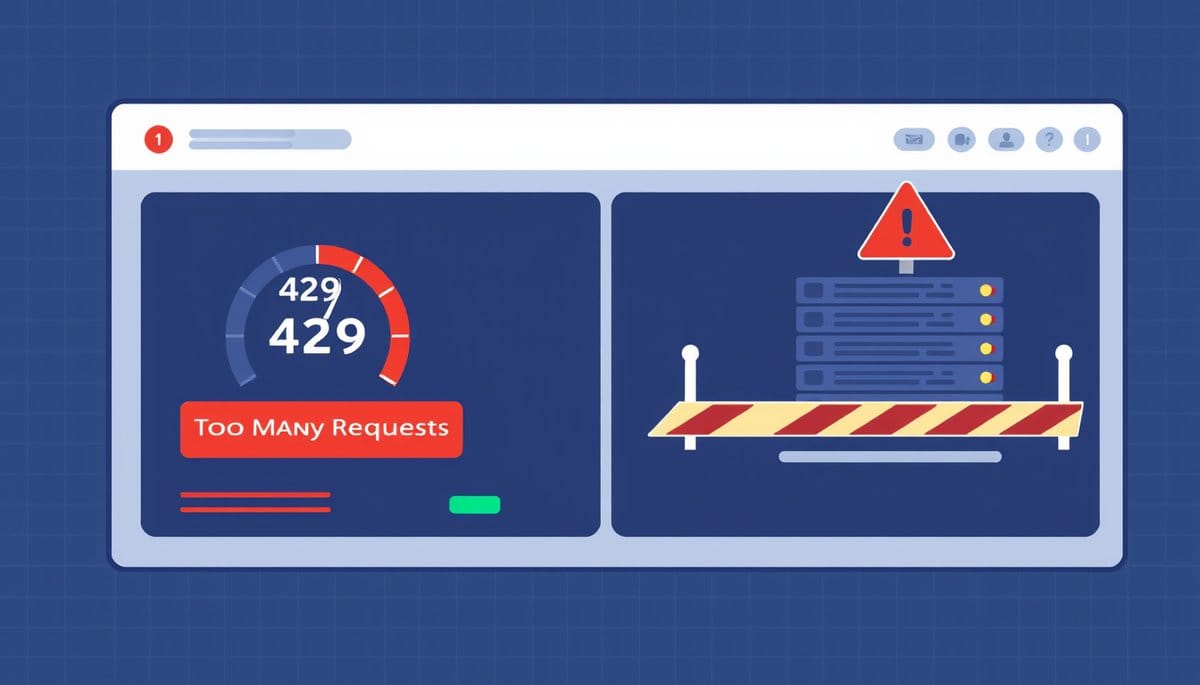
When you exceed your API rate limit, the API server rejects further requests and returns an HTTP 429 'Too Many Requests' status code until your quota resets. Your application stops receiving valid responses for that window — which could be seconds, minutes, or a full day depending on the API. Without proper error handling, this silently breaks features or crashes your app.
What a Rate Limit Error Actually Looks Like (HTTP 429 Explained)
Every API enforces a cap on how many requests you can make in a given time window — for example, 60 requests per minute or 1,000 requests per day. When you hit that ceiling, the server doesn't just slow down: it actively refuses your requests with an HTTP 429 status code. The response body usually includes a message like 'Rate limit exceeded' and often a Retry-After header telling you how many seconds to wait. Here's what a raw HTTP response looks like when you're rate-limited by the OpenAI API:
HTTP/1.1 429 Too Many Requests Retry-After: 20 { "error": { "message": "Rate limit reached for requests", "type": "requests", "code": "rate_limit_exceeded" } }
The 429 is not a bug in your code — it's the API enforcing fair usage. The consequences range from a temporary blip to a full service outage for your users, depending on how your app handles the error.
How to Handle Rate Limit Errors with Retry Logic and Backoff
The professional response to a 429 error is exponential backoff: wait, then retry — doubling the wait time with each attempt. This prevents hammering the API and getting blocked further. Here's a practical Python example using the requests library:
import time import requests
def call_api_with_backoff(url, headers, max_retries=5): wait = 1 for attempt in range(max_retries): response = requests.get(url, headers=headers) if response.status_code == 200: return response.json() elif response.status_code == 429: retry_after = int(response.headers.get('Retry-After', wait)) print(f'Rate limited. Waiting {retry_after}s...') time.sleep(retry_after) wait *= 2 else: response.raise_for_status() raise Exception('Max retries exceeded')
This pattern reads the Retry-After header when available and falls back to doubling the wait time. Most production-grade API clients — like openai-python or boto3 — implement this automatically, so check your SDK's documentation before writing your own.
Best Practices to Avoid Hitting Rate Limits in the First Place
Prevention beats recovery. Three strategies reduce how often you hit rate limits:
1. Cache responses aggressively. If multiple users request the same data, store the result locally and serve it without making a new API call. A simple in-memory dictionary or Redis cache works well for high-frequency reads.
2. Batch requests when the API supports it. Instead of calling an endpoint 100 times with one item each, send one call with 100 items. The OpenAI Embeddings API and Stripe API both support batch inputs.
3. Monitor your usage proactively. Most APIs expose current usage in their response headers. For example, GitHub's API returns X-RateLimit-Remaining and X-RateLimit-Reset in every response. Log these values and alert yourself before you reach zero — not after.
If you consistently hit limits despite these steps, it's a signal to upgrade your API plan. Repeatedly exceeding limits can sometimes flag your API key for review or temporary suspension on platforms with abuse detection, so sustained 429 storms are worth taking seriously beyond just UX.
Key Takeaways
- Exceeding a rate limit returns an HTTP 429 status code, which stops your requests from being processed until the window resets.
- The Retry-After response header tells you exactly how many seconds to wait before retrying safely.
- Exponential backoff — doubling your wait time between retries — is the standard, production-safe way to handle 429 errors.
- Caching repeated responses and batching requests are the most effective ways to reduce how often you hit limits.
- Most API SDKs handle retry logic automatically, so check your library's docs before writing custom retry code.
FAQ
Q: Does hitting a rate limit cost you money or damage your account?
A: In most cases, rejected 429 requests are not billed — you only pay for successful calls. However, repeated abuse can trigger account reviews on some platforms, so consistent rate-limit violations are worth addressing promptly.
Q: How long do rate limit blocks typically last?
A: It depends on the API's window type: per-second limits reset in seconds, per-minute limits within 60 seconds, and daily quotas reset at a fixed UTC time (often midnight). The Retry-After header gives you the exact wait time.
Q: What if your app is rate-limited but you need to serve users in real time?
A: Queue incoming requests and process them with a rate-aware scheduler like Celery (Python) or Bull (Node.js), which lets you drip requests within your allowed quota. Serving stale cached data during a limit window is also a valid fallback for non-critical reads.
Conclusion
Exceeding your API rate limit triggers a 429 error that halts your requests until the quota resets — and without a retry strategy, that silently breaks your application. Implement exponential backoff, read the Retry-After header, and cache or batch requests to stay well within limits. Your most important next step: add a 429 handler to every API call in your codebase before it hits production.
Related Posts
- What Limits Come With Free API Key Tiers?
Free API key tiers give you limited requests per month, slower rate limits, and no uptime guarantees. Paid tiers unlock higher quotas, priority access, and production-ready SLAs. Choosing the right tier depends on your request volume and reliability needs. - Why Does Your API Return a 429 Error & How to Fix It?
When you exceed your API rate limit, the server rejects your requests with an HTTP 429 'Too Many Requests' error until your limit resets. Your app stops working until you slow down, wait, or upgrade your plan. Handling this gracefully is a core API skill every developer needs. - How Do API Keys Work and Why Do You Need One?
An API key is a unique string of characters that acts as a password between your application and an external service. When you make a request, the server checks your key, identifies who you are, and decides what you're allowed to do. Without a valid key, the request is rejected.
Also on AI Future Lab
- Week 10 AI Lab Review: Superconductor Research Summary
{"@context": "https://schema.org", "@type": "NewsArticle", "headline": "Week 10 AI Lab Review: Superconductor Research Summary", "description": "", "publisher": {"@type": "Organization", "name": "AI F - Week 10 AI Lab Review: Superconductor Research Summary
{"@context": "https://schema.org", "@type": "NewsArticle", "headline": "Week 10 AI Lab Review: Superconductor Research Summary", "description": "", "publisher": {"@type": "Organization", "name": "AI F